Upgrade Your Ride: A Step-by-Step Guide to Replacing and Installing a Car Head Unit
Overview
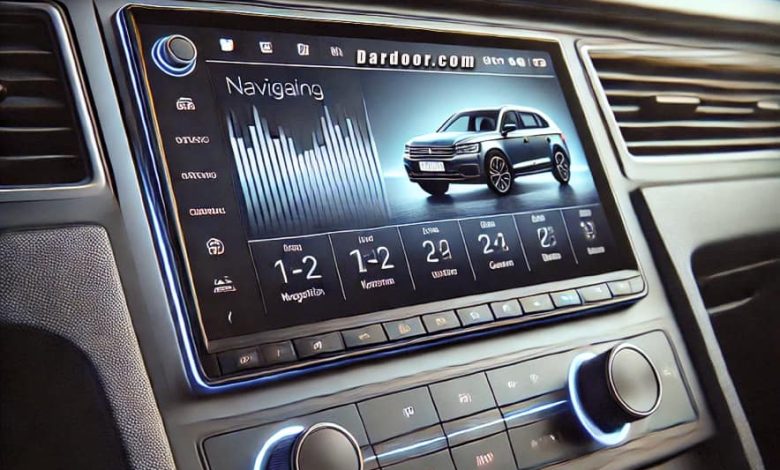
Replacing and installing a car’s head unit (stereo system) can significantly enhance your driving experience with better sound quality, modern features like Bluetooth connectivity, and even smartphone integration. Whether you’re upgrading to a touchscreen infotainment system or simply replacing a faulty unit, this guide will take you through the entire process.
Tools and Materials Needed
Before you begin, gather the necessary tools and items to ensure a smooth installation process:
Tools Required:
✅ Flathead screwdriver
✅ Phillips screwdriver
✅ Trim removal tool (plastic pry tool)
✅ Wire strippers and crimpers
✅ Socket wrench (optional, for certain vehicles)
✅ Panel removal tool
Materials Needed:
✅ Replacement head unit (single DIN or double DIN)
✅ Vehicle-specific wiring harness adapter
✅ Mounting kit (if required)
✅ Electrical tape or heat shrink tubing
✅ Soldering kit (optional for secure connections)
✅ Antenna adapter (if necessary)
Step-by-Step Guide to Replacing and Installing a Car’s Head Unit
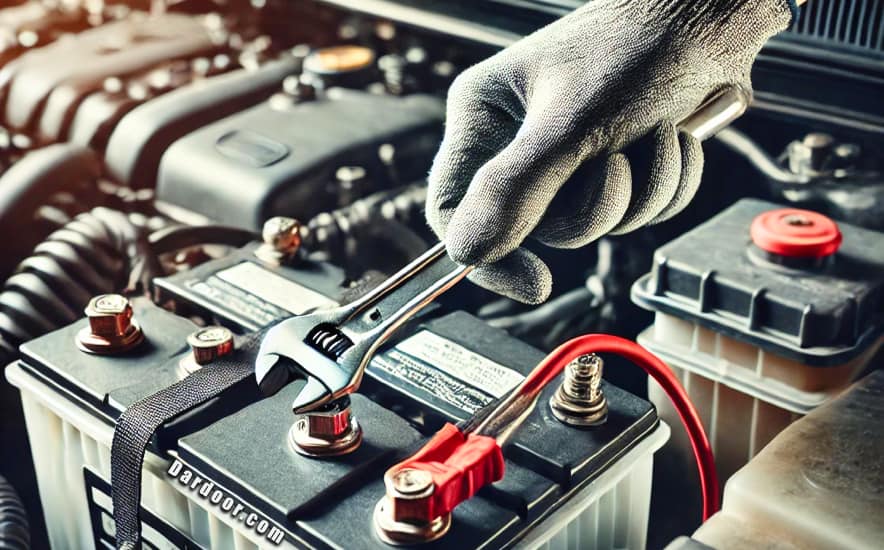
Step 1: Disconnect the Car Battery
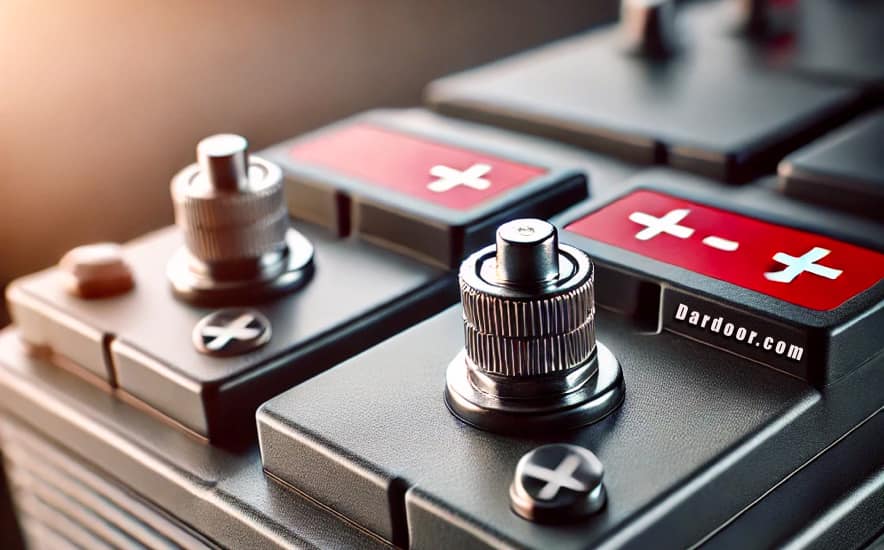
Safety first! Disconnect the negative (-) terminal of the car’s battery to avoid short circuits while working with electrical components.
Step 2: Remove the Existing Head Unit
Locate the Stereo Panel
- Most car stereos are behind a plastic dash panel. Use a trim removal tool to gently pry it off without breaking the clips.
- If there are screws, use a Phillips screwdriver to remove them.
Unbolt and Pull Out the Head Unit
- Once the dash panel is removed, unscrew the existing stereo unit using a socket wrench or screwdriver.
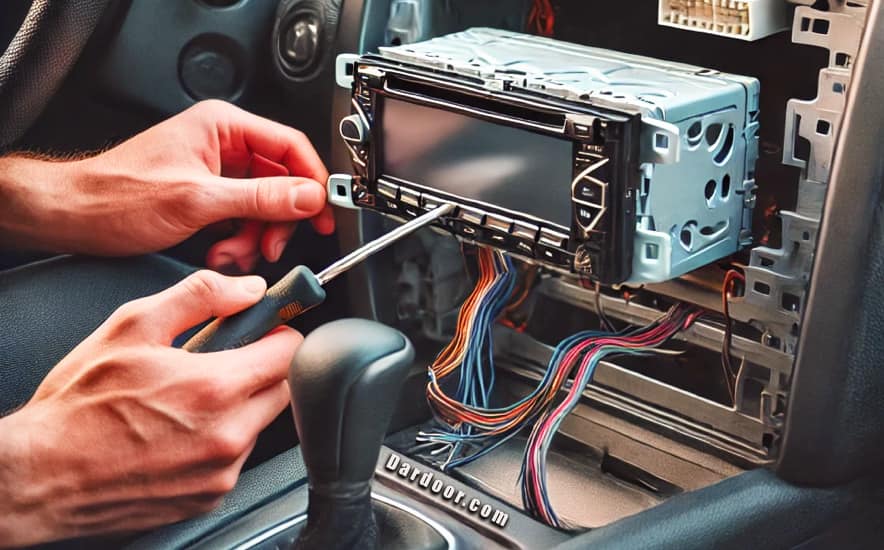
- Carefully pull the head unit forward to expose the wiring behind it.

Step 3: Disconnect the Wiring Harness and Antenna
- Locate the factory wiring harness and unplug it from the old stereo.
- Unplug the antenna cable from the back of the head unit.
- If your vehicle has additional connections (such as steering wheel controls), unplug those as well.
Step 4: Prepare the New Head Unit
Connect the Wiring Harness Adapter
- If your new head unit requires a wiring harness adapter, connect it to the stereo’s harness.
- Match the wire colors (power, ground, speaker wires) and use crimp connectors, soldering, or electrical tape to secure them.

Step 5: Install the Mounting Kit (If Required)
- If your new head unit is a different size from the original (e.g., switching from a single DIN to a double DIN), you may need a mounting bracket.
- Secure the mounting kit into the dash opening using screws or clips.

Step 6: Connect the New Head Unit
- Plug the wiring harness adapter into the car’s original wiring harness.
- Reconnect the antenna adapter (if required).
- Attach any additional connections such as USB ports, Bluetooth microphones, or steering wheel control interfaces.

Step 7: Secure the New Head Unit in the Dash
- Slide the new head unit into the mounting bracket until it clicks into place.
- Secure it with screws if necessary.

Step 8: Reinstall the Dash Panel
- Snap the dash panel back into place.
- Reinstall any screws that were removed earlier.
Step 9: Reconnect the Car Battery and Test the Stereo
- Reconnect the negative terminal of the car’s battery.
- Turn on the ignition and test the stereo functions (radio, Bluetooth, CD, AUX, etc.).
- Adjust audio settings and ensure everything is working properly.
Final Thoughts
Replacing and installing a car’s head unit is a straightforward process if you follow these steps carefully. It enhances your driving experience with better sound quality and modern features. If you’re unsure about wiring, consider consulting a professional installer.
By following this guide, you’ll have a brand-new stereo system in no time! 🎵🚗
FAQs
🔹 Can I install a car stereo myself?
Yes! With basic tools and patience, you can install a car stereo yourself by following this guide.
🔹 How do I know if a head unit is compatible with my car?
Check your car’s make and model specifications, and ensure the new head unit fits your dash size (single DIN or double DIN). A wiring harness adapter will also make installation easier.
🔹 Do I need a professional for installation?
If you’re not comfortable with electrical wiring, professional installation is recommended. Otherwise, this guide provides all the necessary steps for DIY installation.
🔹 Will I lose steering wheel control functions?
Not necessarily. Some aftermarket head units support steering wheel control with an adapter. Check compatibility before purchasing.
🔹 How much does it cost to replace a car’s head unit?
The cost depends on the stereo model and whether you install it yourself or pay for professional installation. DIY installation saves money on labor costs.
Here are some great YouTube video suggestions that provide step-by-step instructions on replacing and installing a car head unit:
- “How to Install a Car Stereo (Single & Double DIN)” – Crutchfield
🔗 Crutchfield YouTube Channel- Covers both single and double DIN installations.
- Explains wiring harness connections and mounting brackets.
- “Car Stereo Wiring Explained: How to Wire a New Head Unit” – Sonic Electronix
🔗 Sonic Electronix YouTube Channel- Detailed guide on connecting the wiring harness.
- Tips for avoiding common mistakes.
- “How to Upgrade Your Car Stereo to a Touchscreen” – ChrisFix
🔗 ChrisFix YouTube Channel- Easy-to-follow tutorial with clear explanations.
- Shows the process from removing the old unit to final testing.
- “DIY: How to Install a Touchscreen Radio in Your Car” – Scotty Kilmer
🔗 Scotty Kilmer YouTube Channel- Covers wiring, mounting, and troubleshooting issues.
- Great for beginners with a step-by-step breakdown.